
Scaling design decisions across teams and products
Impact I brought
•
Reduced component delivery time from months to days through a structured workflow and clear ownership
•
Established a single source of truth, improving consistency and reducing duplicated work across teams
•
Introduced a design–engineering feedback loop, improving implementation quality and alignment
Background
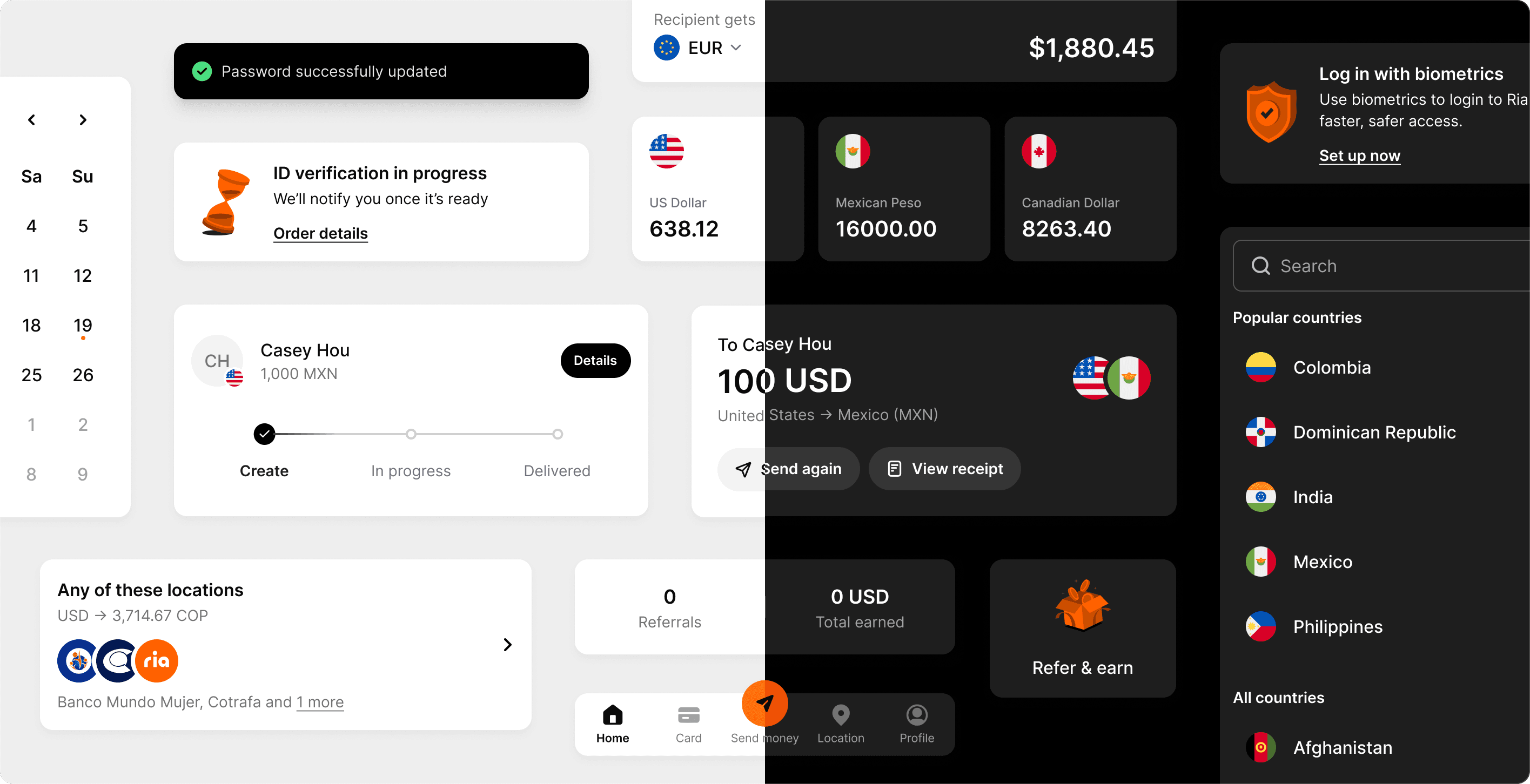
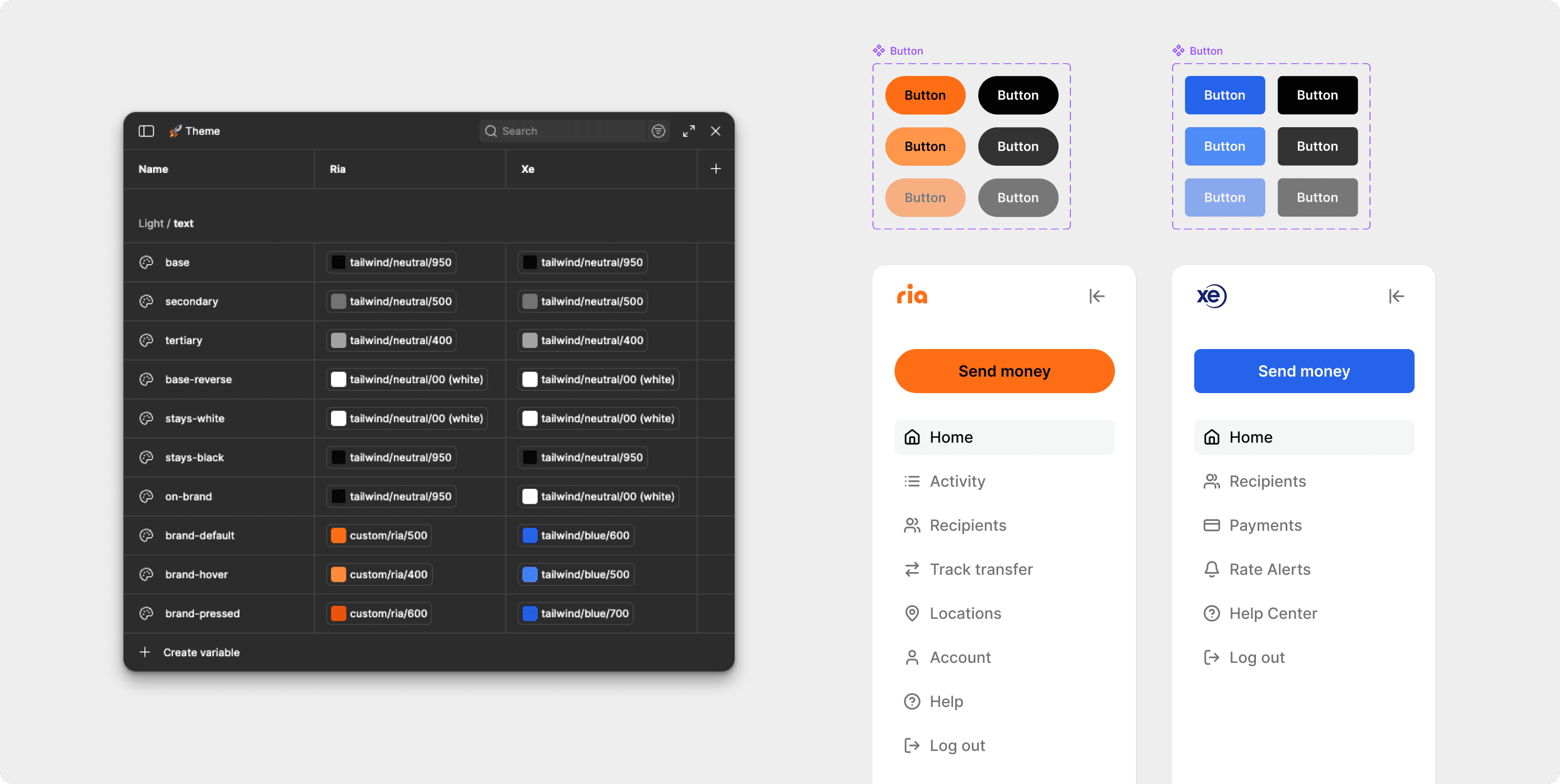
Euronet runs two major products, Ria and Xe, offering international money transfers across web and mobile to over 600 million users. Over time, six UI libraries emerged to meet different needs, but none were consistently maintained and were often used interchangeably. This created a growing set of components with only slight variations, making it difficult for designers to choose the right one. By the time designs reached development, the mixed sources meant those inconsistencies made it all the way into the end product. As the products expanded, the fragmentation started to slow us down in ways that were hard to ignore.
My role
I led the design effort to unify these libraries into a single system. Beyond shaping components, I clarified ownership and established an end-to-end governance workflow, covering component requests, team alignment, documentation, and testing. I also worked closely with engineers to define component behavior and ensure high-quality implementation.
Team
1 Product Designer (me)
3 Software Engineers
1 Associate Product Designer
Duration
Jun 2025 – Oct 2025
Tools
Figma
Claude Code
Identify
Mapping the current state
For components that have clear scope and behaviors (e.g., checkbox, switch, badge), I conducted an audit with existing libraries and analyzed existing designs to get a better understanding of how they were currently working (or not).
For more complex components like cards and lists, I bring designers from different teams to understand how they’re actually used: what variants they need, where they appear, and what pain points exist. This lets me quickly see how a component works in real scenarios, while also aligning with designers early in the process.
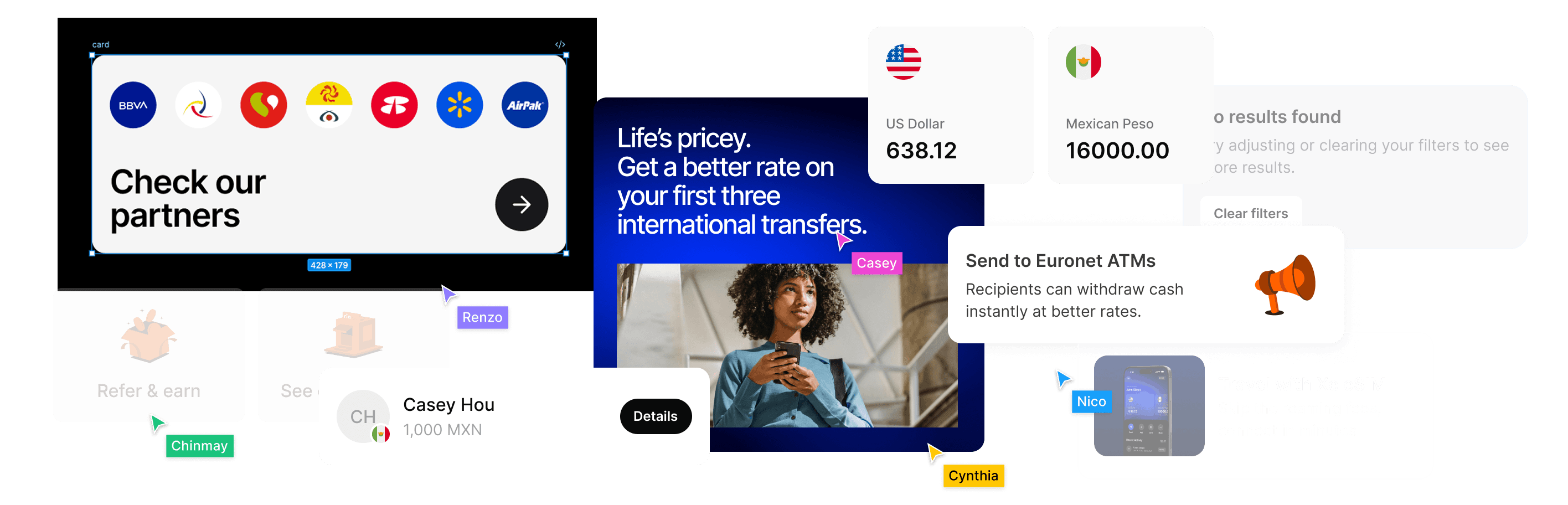
For complex components, I bring together designers across teams to gather use cases and map how they’re used. This helps me clarify the component’s structure, along with the states and variants it needs.
Define
Structuring components for clarity and usability
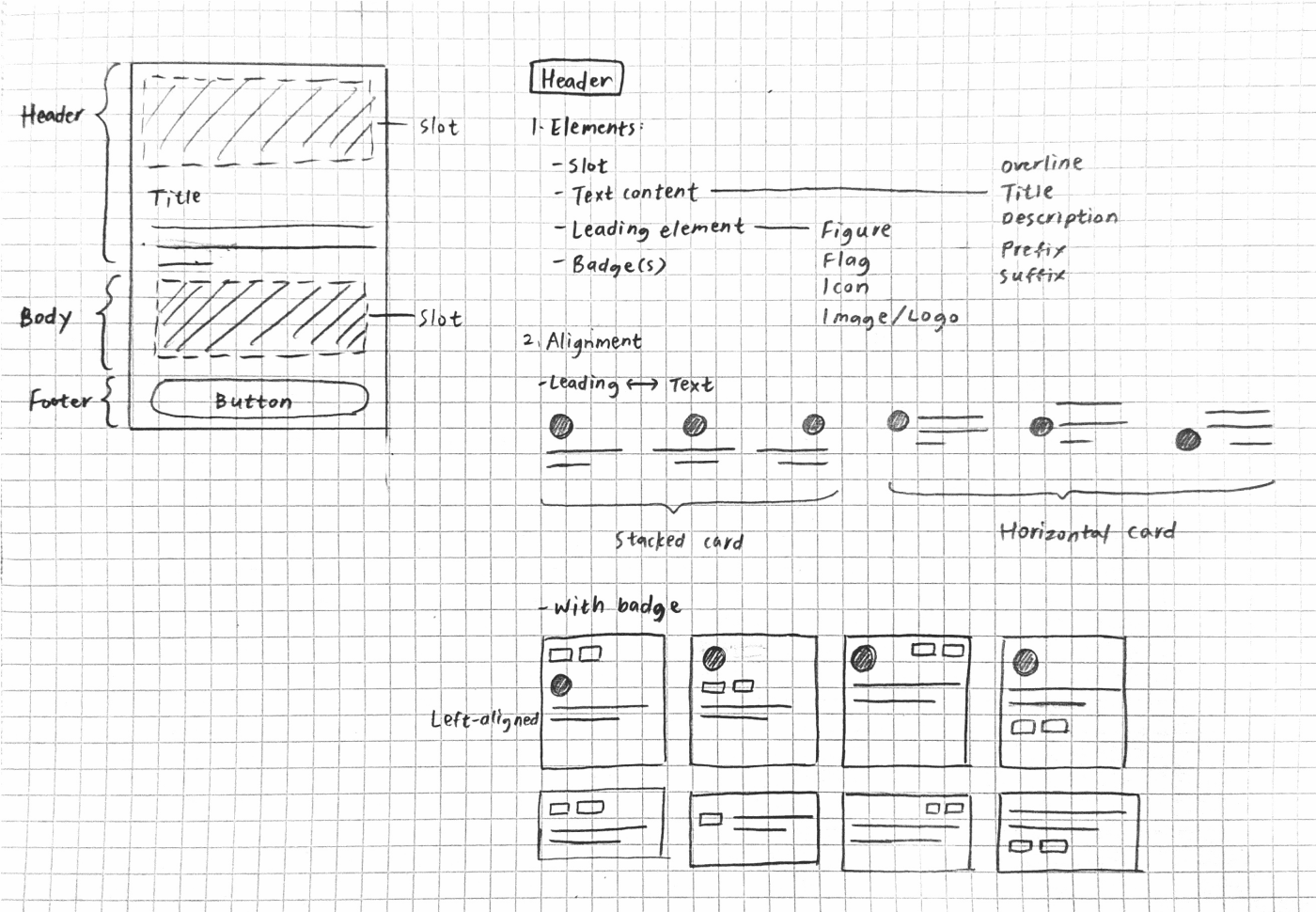
Once I had a clear picture of the use cases, I started by sketching the component structure. The sketch presented on the left is a snippet from the card component: I mapped out elements, properties, states, and how they relate to each other positionally. Getting that clarity on paper first made the actual build faster and more accurate.
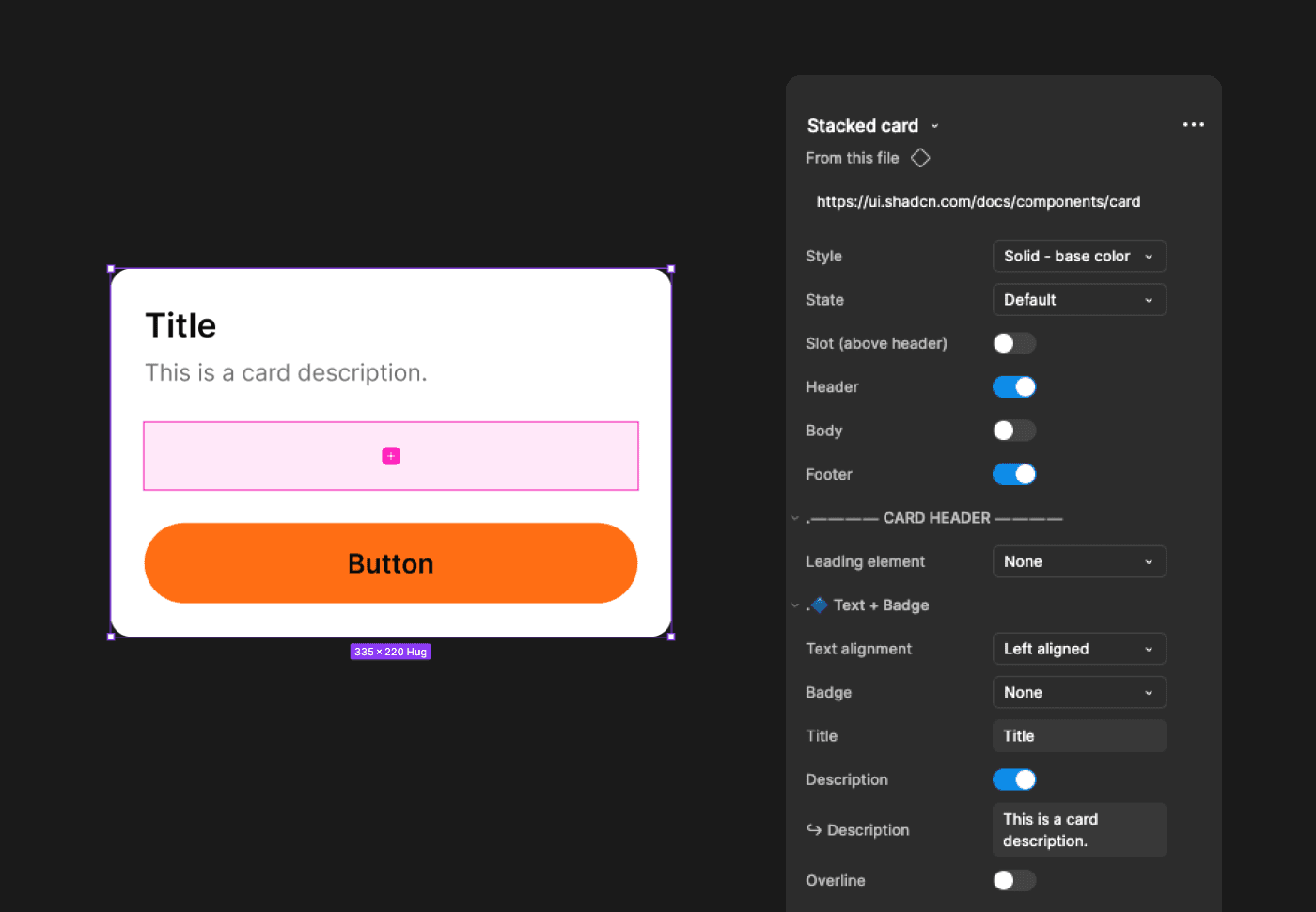
Then I brought the component to life in Figma. I focused on making the component easy to use and the properties panel easy to scan and work with. After that, I ran a stress test with designers to confirm the properties were readable, the options made sense, and the component felt natural to use.
Align
Closing the design-dev gap
Before this system, design and engineering weren’t really talking—specs got handed off cold and developers made their own calls.
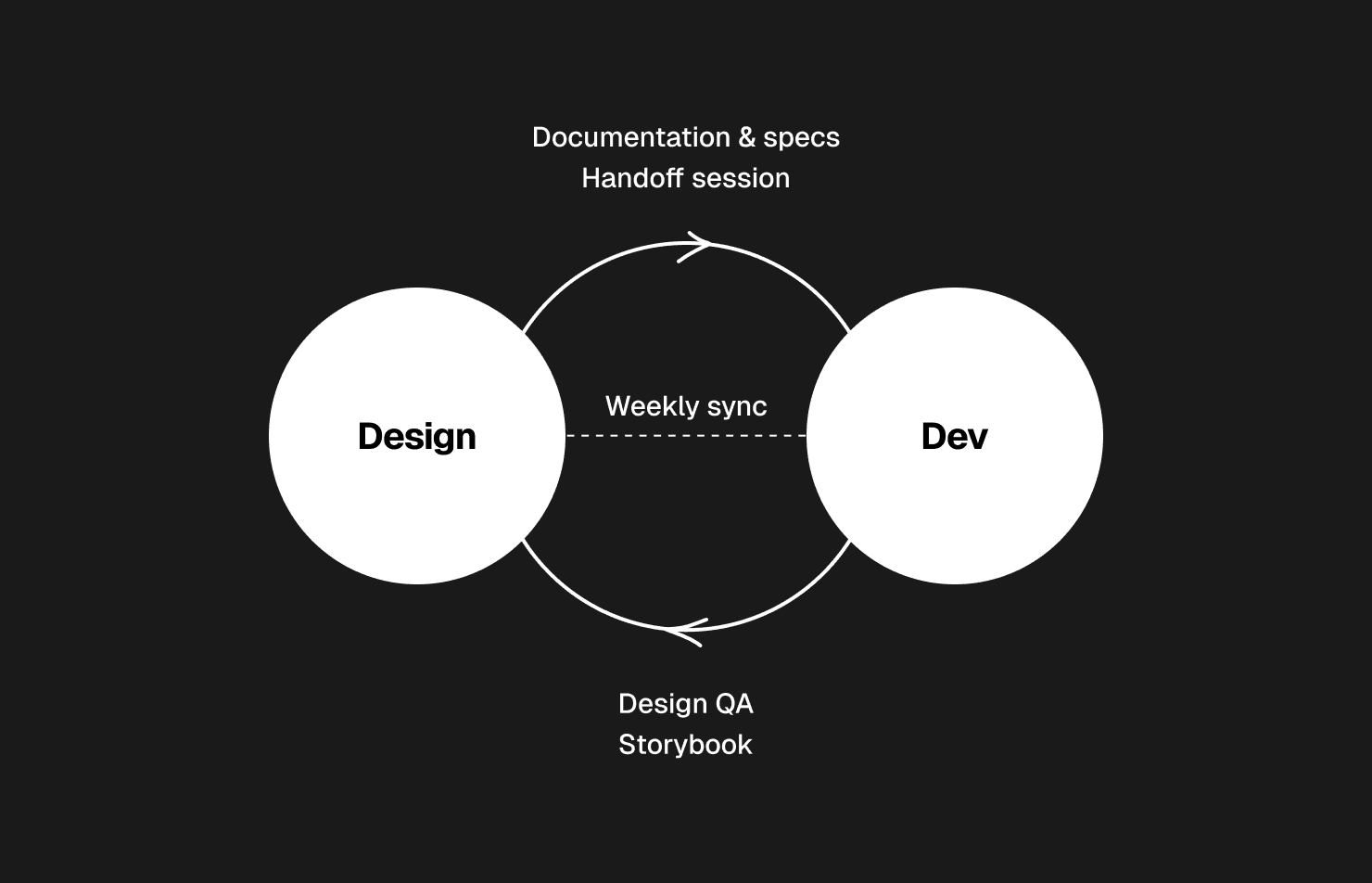
I introduced three recurring touchpoints to keep things aligned: a handoff session to walk through behavior and use cases; a live QA to review and align on fixes; and a weekly sync to share updates and surface blockers early. These helped keep everyone on the same page, improving both the quality of components and the speed at which we moved forward.
Standardize
Bringing structure to a fragmented workflow
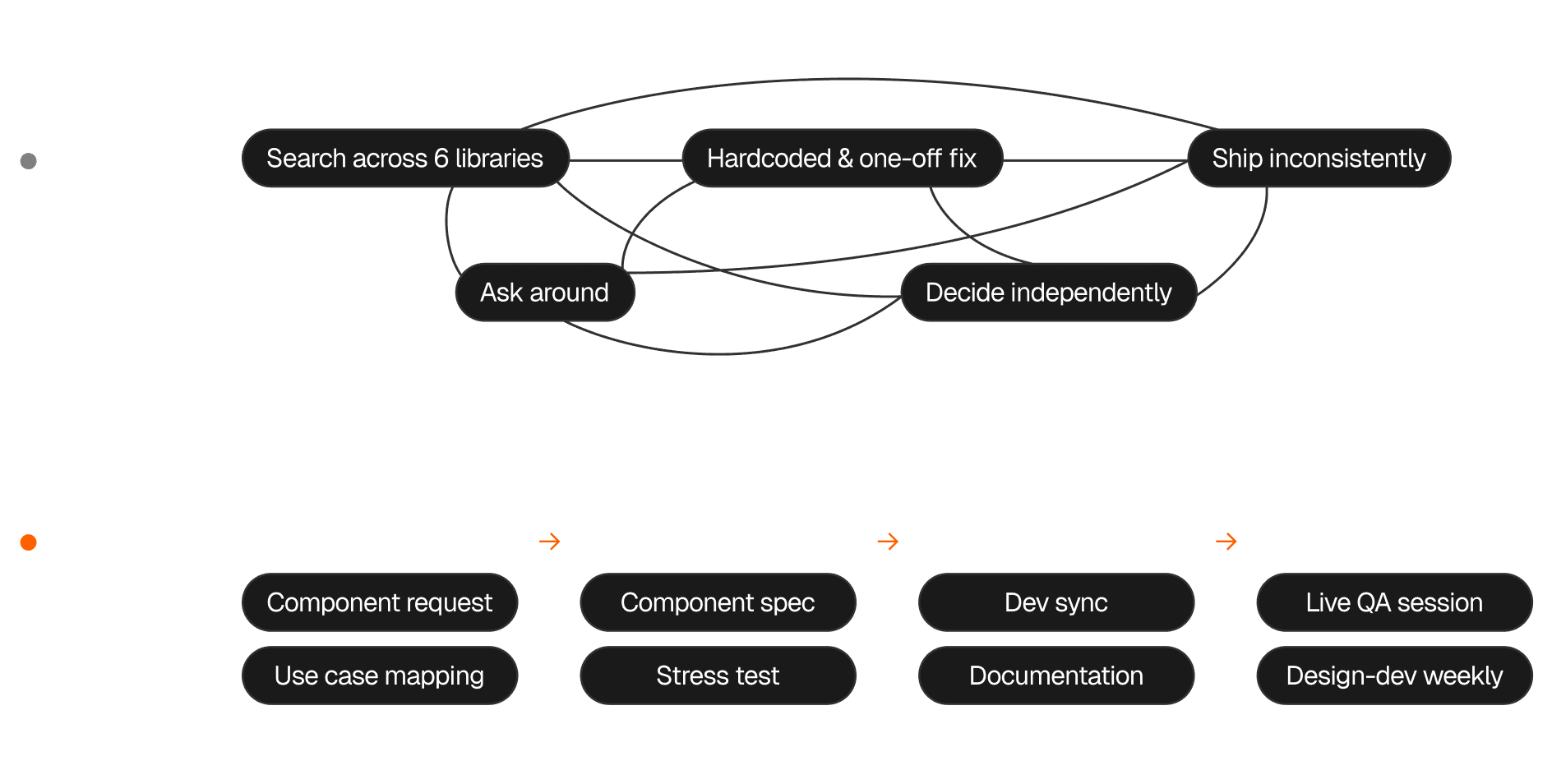
Before this, component requests were often raised but rarely followed through. Designers would build their own components, unaware that similar ones already existed, leading to duplicated work. Ownership was unclear, development was inconsistent, and there was little quality control or QA.
I defined a clear end-to-end workflow, so every component followed a consistent path from request to release, making progress easier to track and enabling the team to move faster without sacrificing quality.
Scale
Documentation helps decisions travel
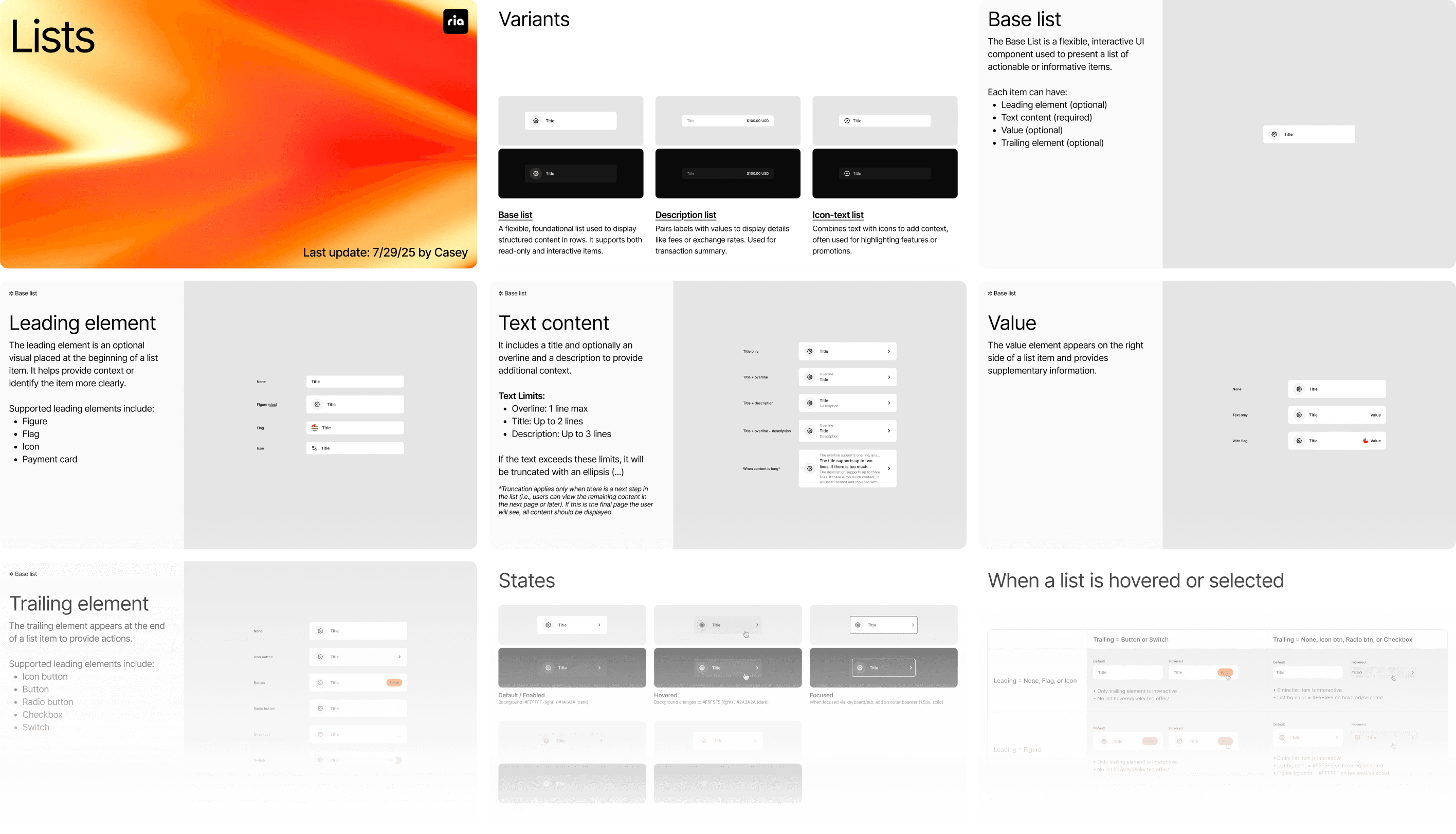
I documented component specifications and guidelines so decisions weren’t one-off fixes, but could be reused and followed by other teams and future designers. This also serves as a clear reference for developers to build from.
The value of this documentation is amplified when introducing AI into the workflow. It allows us to easily communicate existing component logic, use cases, and specifications to AI.
What I learned
Systems thinking across contexts
Building a design system showed me how the “same” component needs to behave differently across flows, products, and platforms. For example, a list item might appear on the home page, the transfer summary, or the transaction history, each with a different information structure. It’s important to review real use cases, design the component with flexible configurations, and apply it to screens to check if it adapts to different scenarios.
Systems thinking across teams
Design system work only scales with tight collaboration across different product teams and between design and engineering. Working closely with designers helped me surface real usage patterns and edge cases; partnering with engineers sharpened my understanding of how components are built in code, allowing me to build components that are practical and scalable.
AI accelerates, but foundations guide
Building this system reinforced an important lesson: the speed AI provides is most valuable when the foundation is strong. AI tools can accelerate implementation, but their impact depends on clear direction and workflows. Without that foundation, faster execution can just as easily lead to faster accumulation of inconsistencies and technical debt.